
Offline 3D flight tracker
Your place in the sky


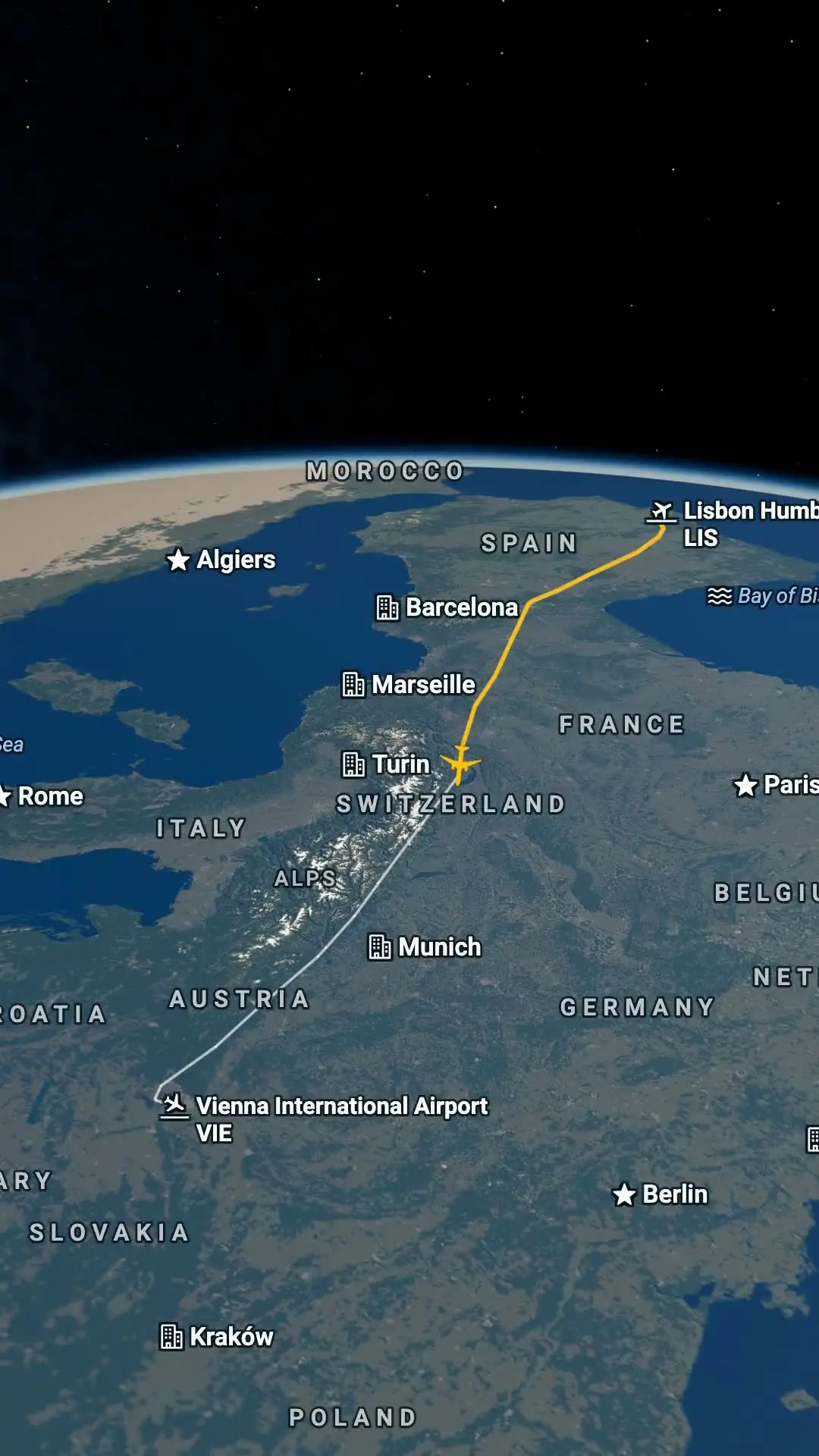
An illustration: half the globe among the stars, with the route of a flight from Lisbon to Vienna and the app's place labels. The camera comes down to the FlyETA airplane model over Geneva, circles it above Lake Geneva with its contrails and turns to the Mont Blanc massif, where a phone shows the same moment in the FlyETA app's simulation of the flight. Then it pulls back out to the globe, and the loop starts again.
FlyETA names the towns, lakes, and rivers below you and shows when you land - straight from your phone's GPS in airplane mode.
Free. No ads, no in-app purchases, no account.
For supported iPhones and Android phones.
Made in a window seat
A river shines below, then a lake, a town you have never heard of, a mountain in the snow. Look out, find it on the globe, and read its name. Mountain peaks show their heights, alongside borders and the country beneath you.
More than 470,000 named places are built into the app, ready to read in airplane mode.
FlyETA is a personal project by Nick Bubelich. He loves to fly, and on every flight he wanted to know what was down there and when he would land.
Try it on the ground
Pick any two of more than 4,000 airports and tap Simulate to fly the route on the 3D globe. FlyETA plays a recent real flight on that route, or a flight model when no history exists.
Every preview is marked Simulated - it is not a recording of your own flight.

The whole planet in 3D, built in
Mountains, valleys, lakes, and coasts for the whole planet come built into FlyETA. The globe works without cabin Wi-Fi and needs no extra download.
If you are online before boarding, FlyETA can also download sharper terrain along your route.
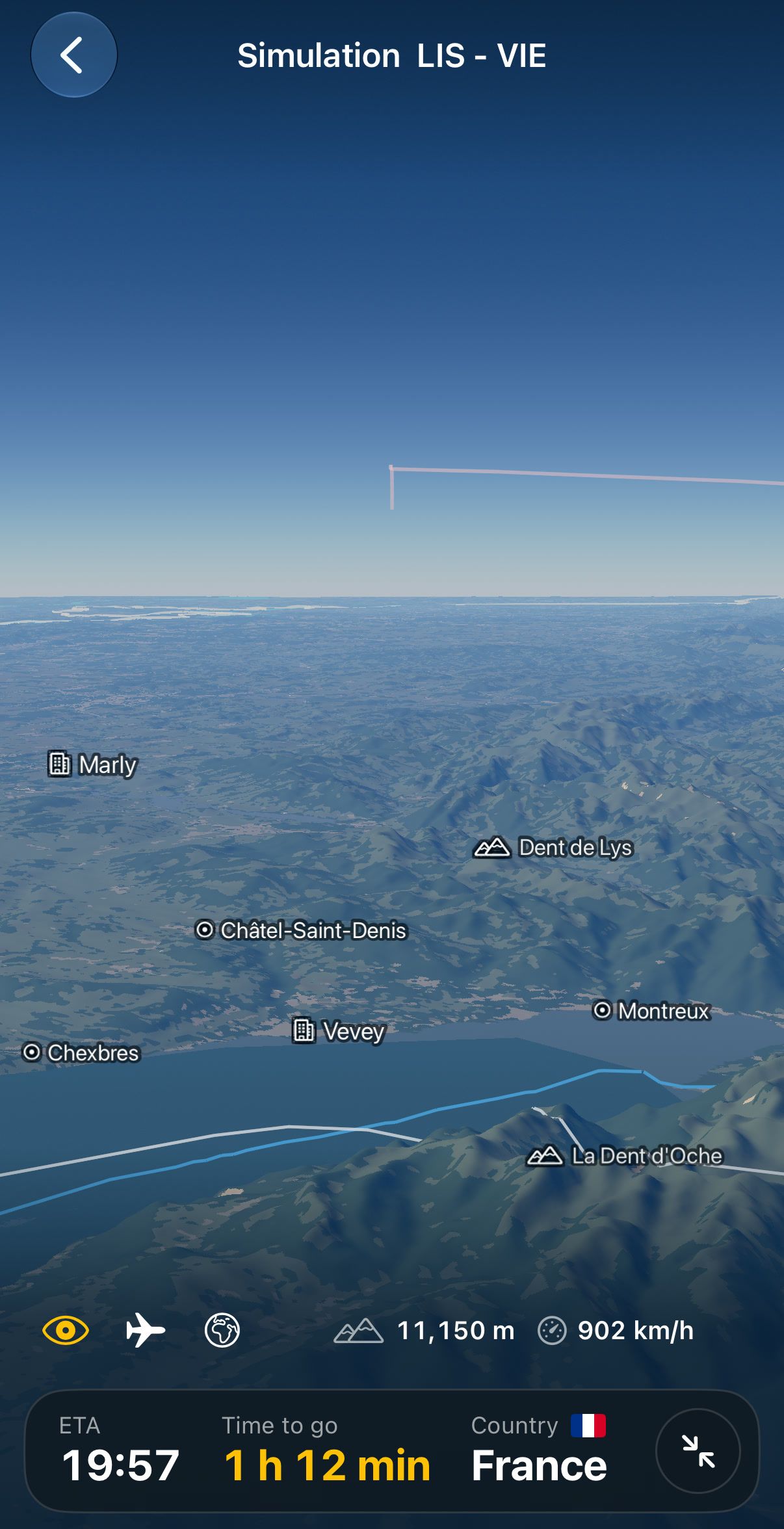
Cockpit
Look ahead from the flight deck, or pan to the wing to watch the engines spin and the lights flash.
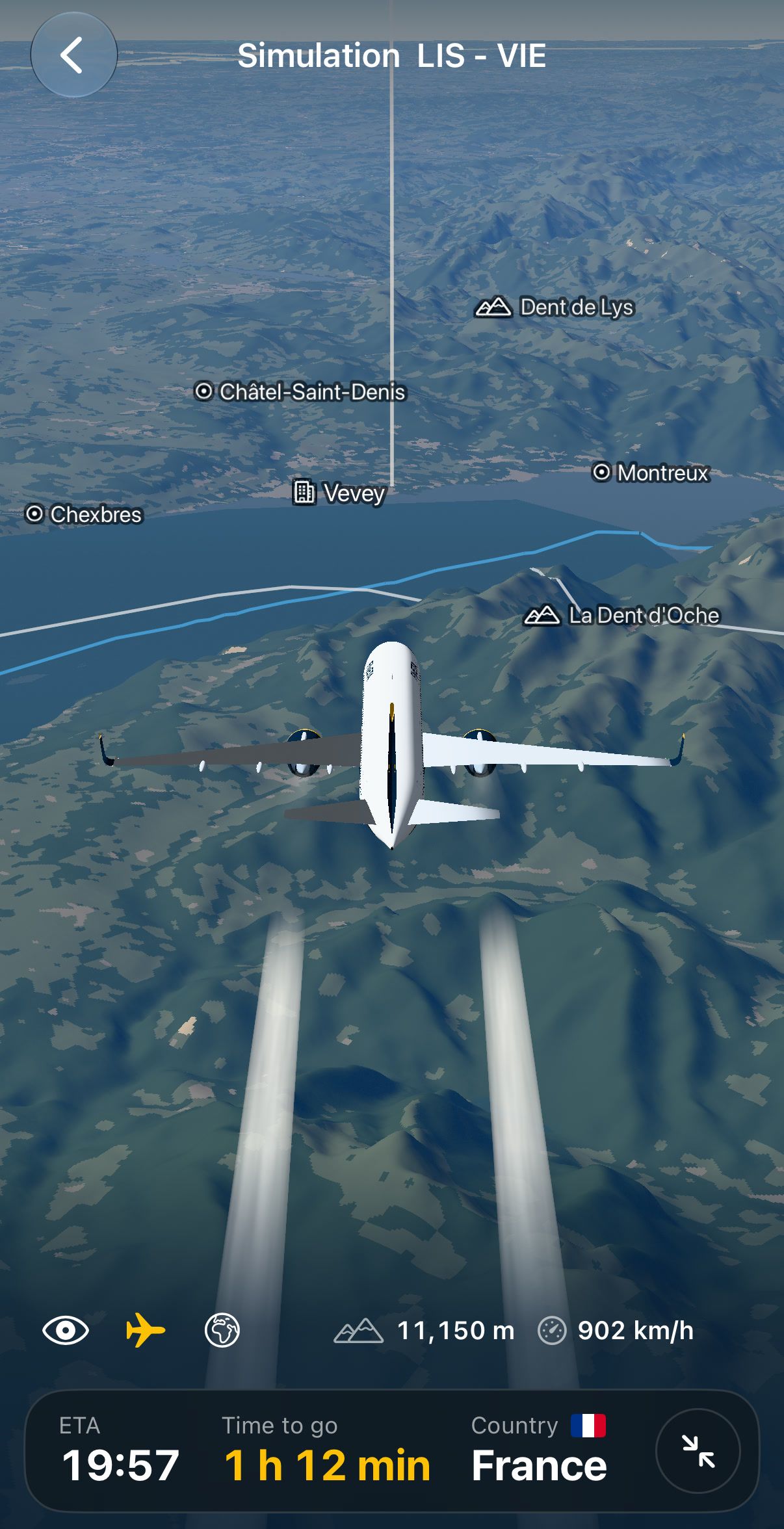
Aircraft
Follow your aircraft over the landscape, with contrails at cruise altitude.
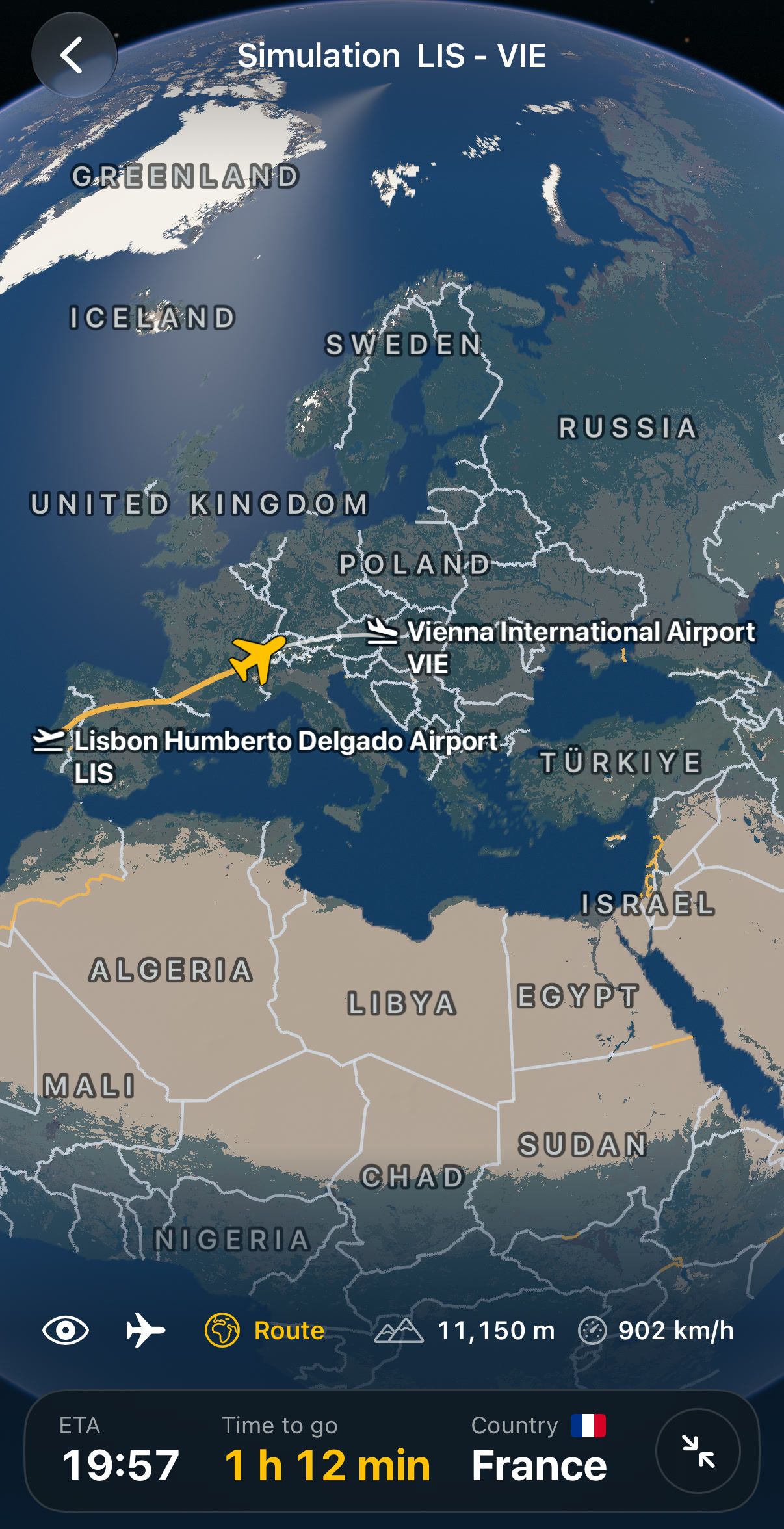
Route
The whole trip, from takeoff to landing.
Know when you land
See your arrival time, time remaining, and distance left. On routes with recent flight history, FlyETA bases your forecast on the past flight most like yours.
FlyETA updates more than 20,000 routes daily from open flight-tracking data and loads your route while you are online before takeoff. Without route history, it uses a general flight model that cannot account for wind or holding patterns. When FlyETA does not know a number, it shows -- instead of guessing.
Check your progress on the iPhone Lock Screen and Dynamic Island, or in a live notification on Android.
Works in airplane mode
In the air, FlyETA uses only your phone's GPS and needs no cabin Wi-Fi.
GPS still needs a view of the sky. A window seat gives it a better one, and reception also varies with your phone and the aircraft.
FlyETA never sends your position, and in airplane mode it sends nothing at all.
Keep every flight
- Tap Start following to record the entire flight, even with your screen locked.
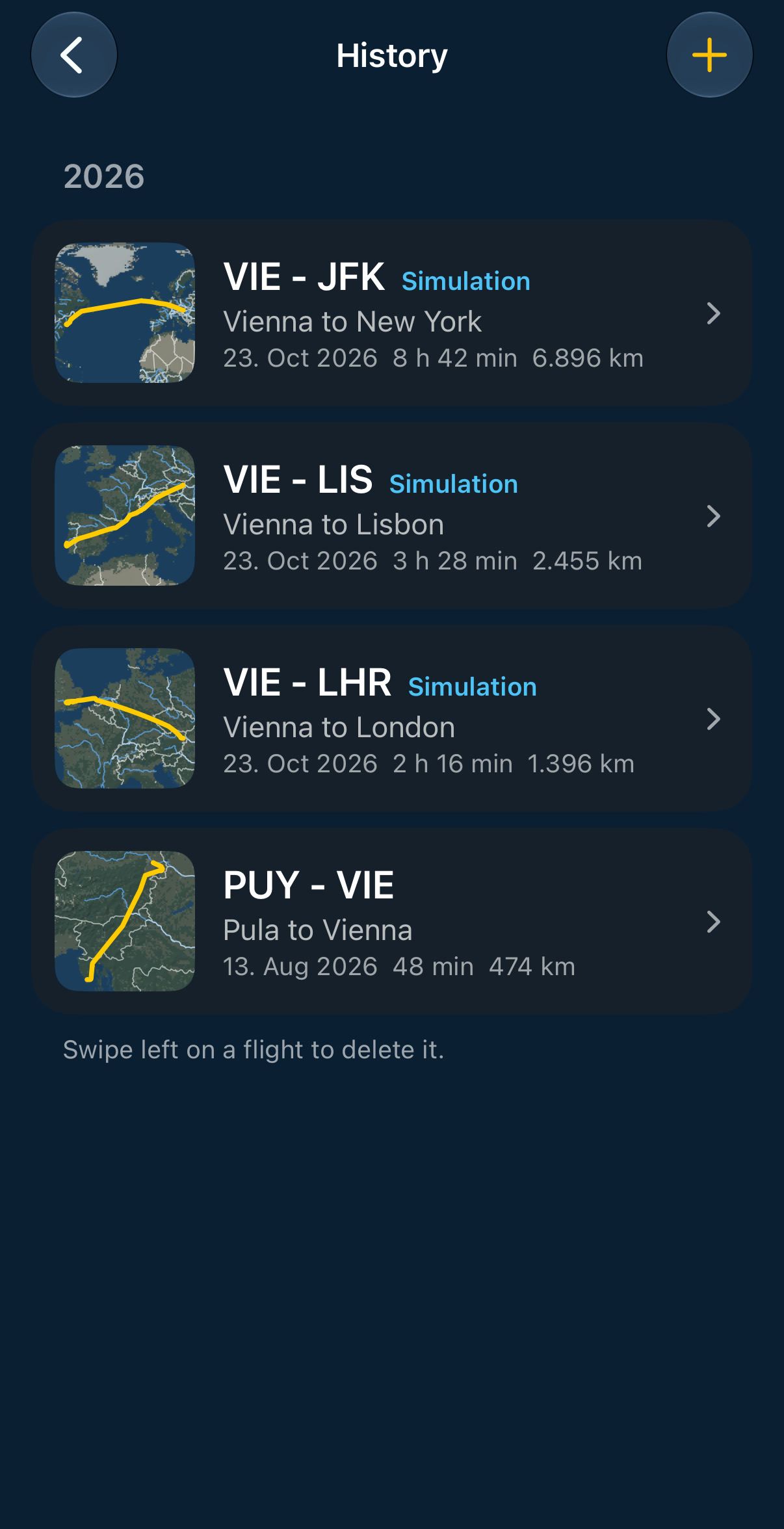
- Find it in History and replay it at home, up to 300x.
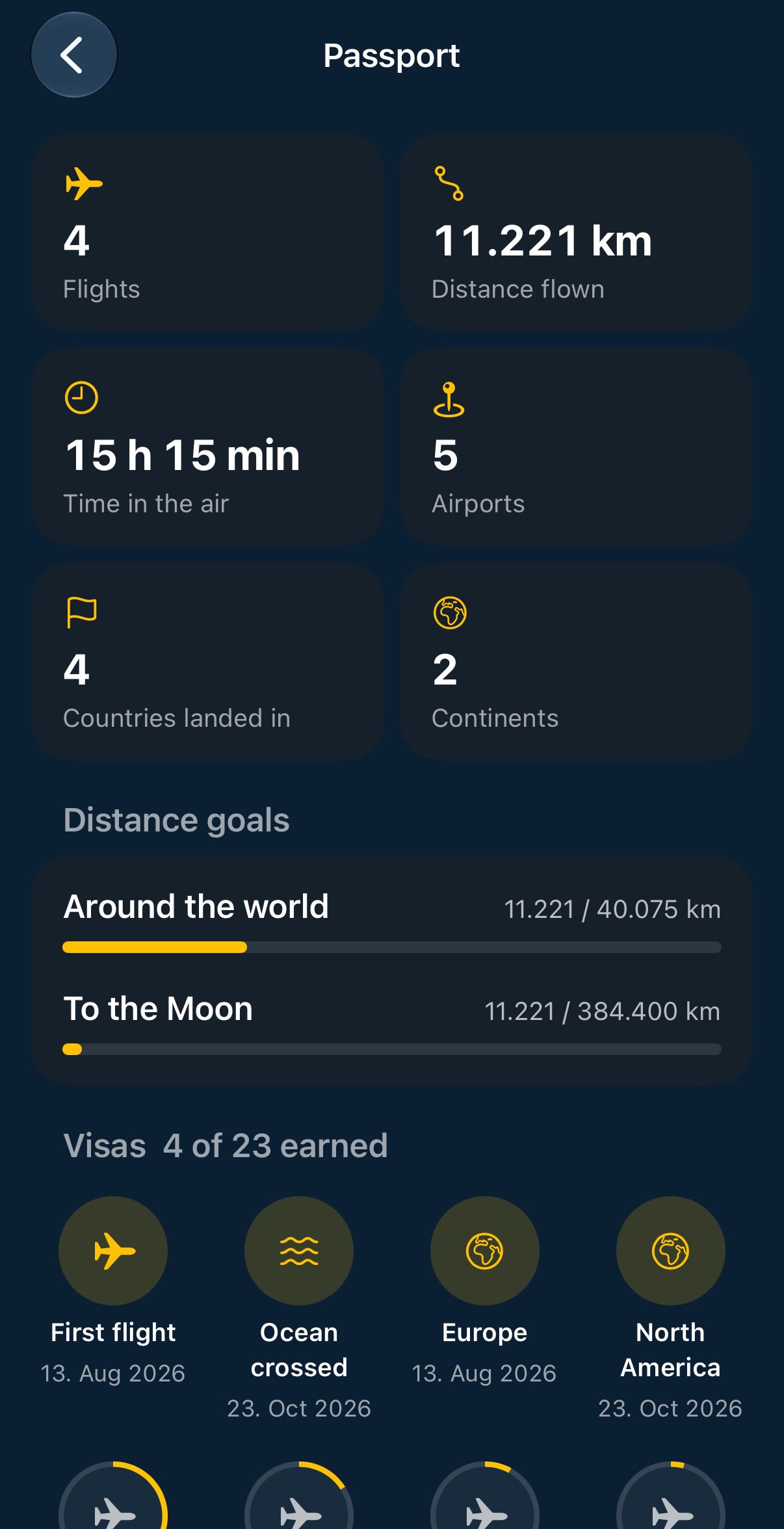
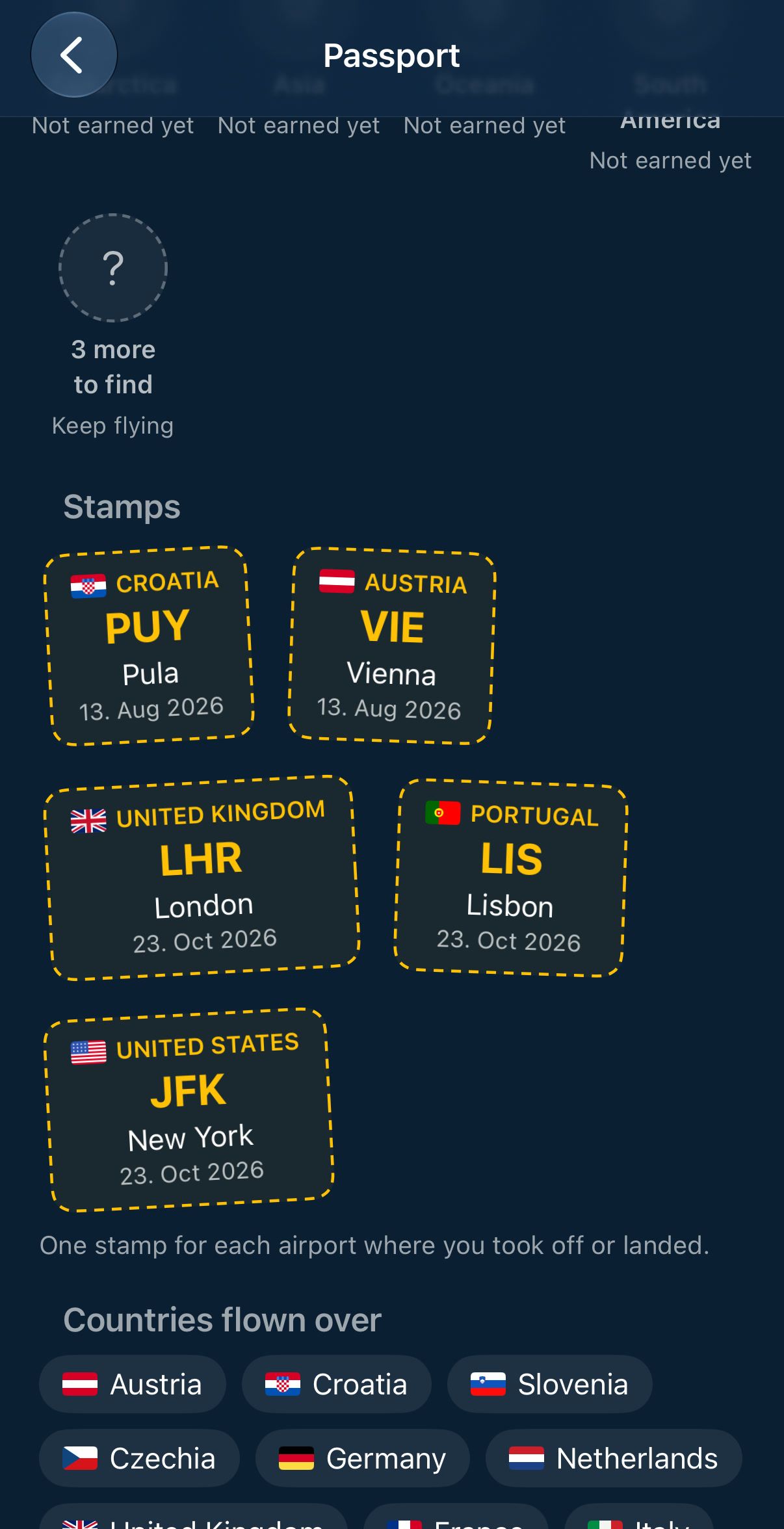
- Collect a stamp for every airport and a page for every country in your Passport, from your flights and the simulations you play.
- Add a flight you took without recording it. It replays as a labeled simulation.
- Every flight saves locally as a plain JSON file you can read, copy, or back up - no account required.

Three steps at the gate
Set your route
Look up your flight number, or pick both airports manually without an internet connection.
Get a GPS fix
Allow location and wait for a GPS fix at the gate. In the cabin, keep the phone near a window.
Start following
Tap Start following. Stop after landing to see your summary.
Free, with nothing locked
Every feature is free for every passenger. No ads, no accounts, no subscriptions, and no flight limits. FlyETA is a personal project, not a business.
Before you fly
Which phones can I use?
iPhone 15 or newer with iOS 26, an iPad with an A13 chip or newer on iPadOS 26, or an Android phone with Android 13 or newer and Vulkan 1.3 graphics. Following a flight live needs GPS: an iPhone, or an iPad Wi-Fi + Cellular. A Wi-Fi-only iPad can simulate and replay flights, but not follow one live.
What needs internet?
Nothing you need in the air. Before you fly, an internet connection lets FlyETA look up a flight number, load recent flights on your route, and download sharper terrain (set to Always, Wi-Fi only, or Never in Settings). FlyETA also sends optional crash reports and basic usage counts, which you can turn off in Settings. It never sends your location or flight recordings, and in airplane mode it sends nothing.
Does it show delays, gates or other planes?
No. FlyETA follows the flight you are on, from your own phone's GPS. It shows no gates, delays or other aircraft.
Does it drain the battery?
FlyETA is built to save battery: the globe draws at most 30 frames a second, and nothing when it is still. On long flights, plug in if you can.
Do I need a flight number?
No. Pick both airports instead.
Take FlyETA on your next flight
Free. No ads, no in-app purchases, no account.
For supported iPhones and Android phones.